What's a credit?
Roughly one standard integration. Higher Accuracy and unusually large or heavily re-run jobs use more — and you can see what each integration cost.
What's always free?
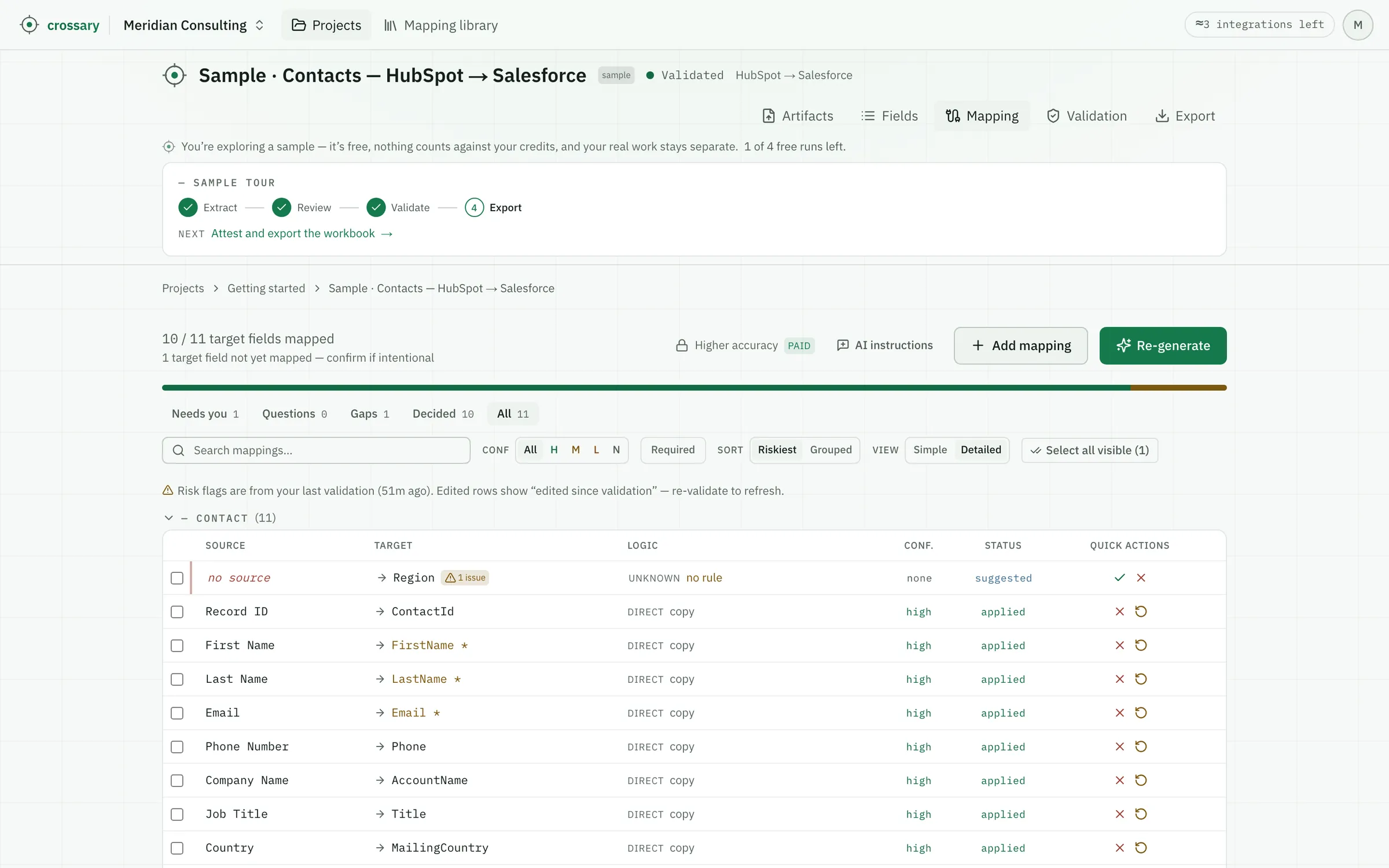
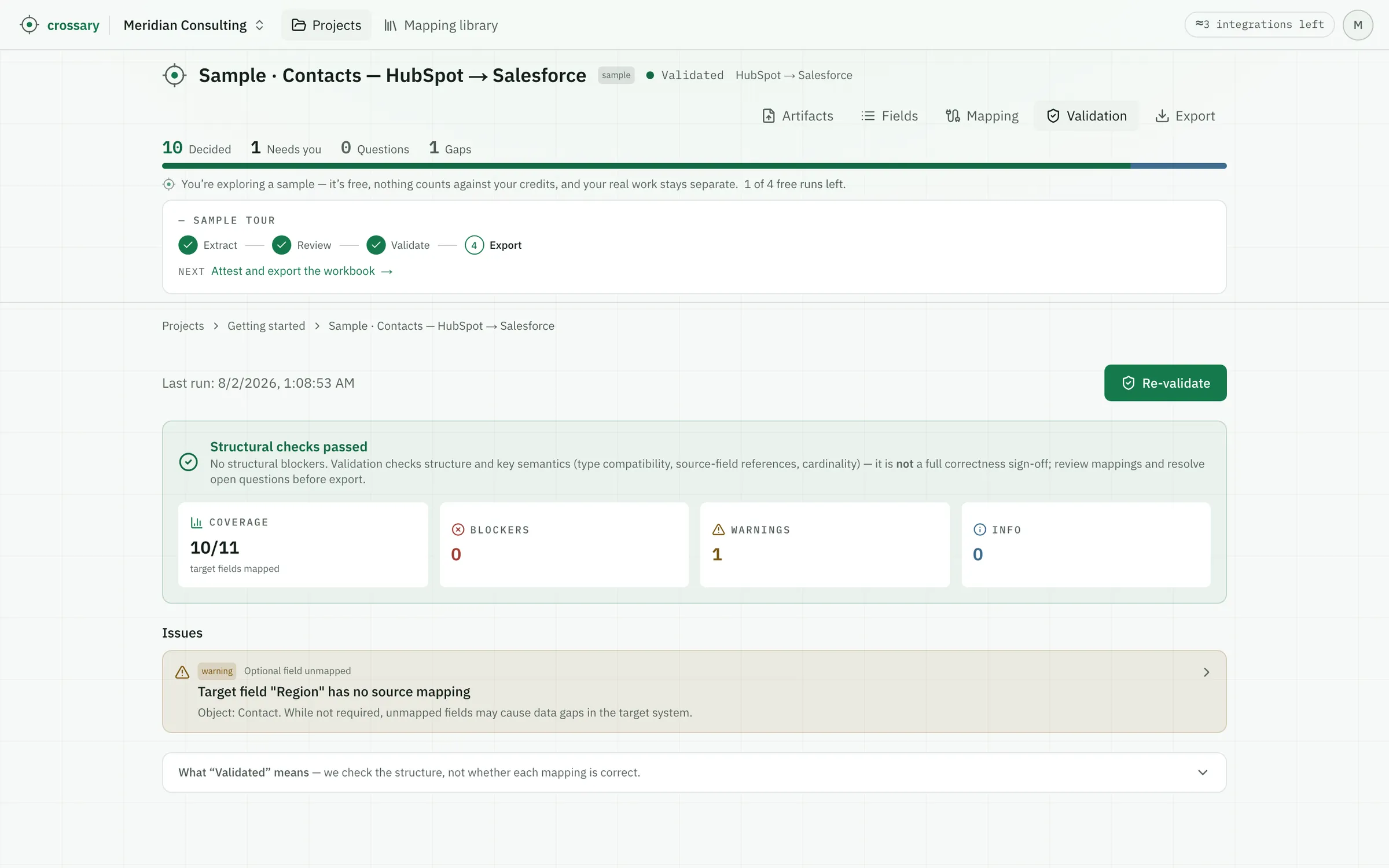
Reviewing, validating, exporting, and round-trip re-import. They don't call the AI, so they never use a credit.
What if the first pass isn't right?
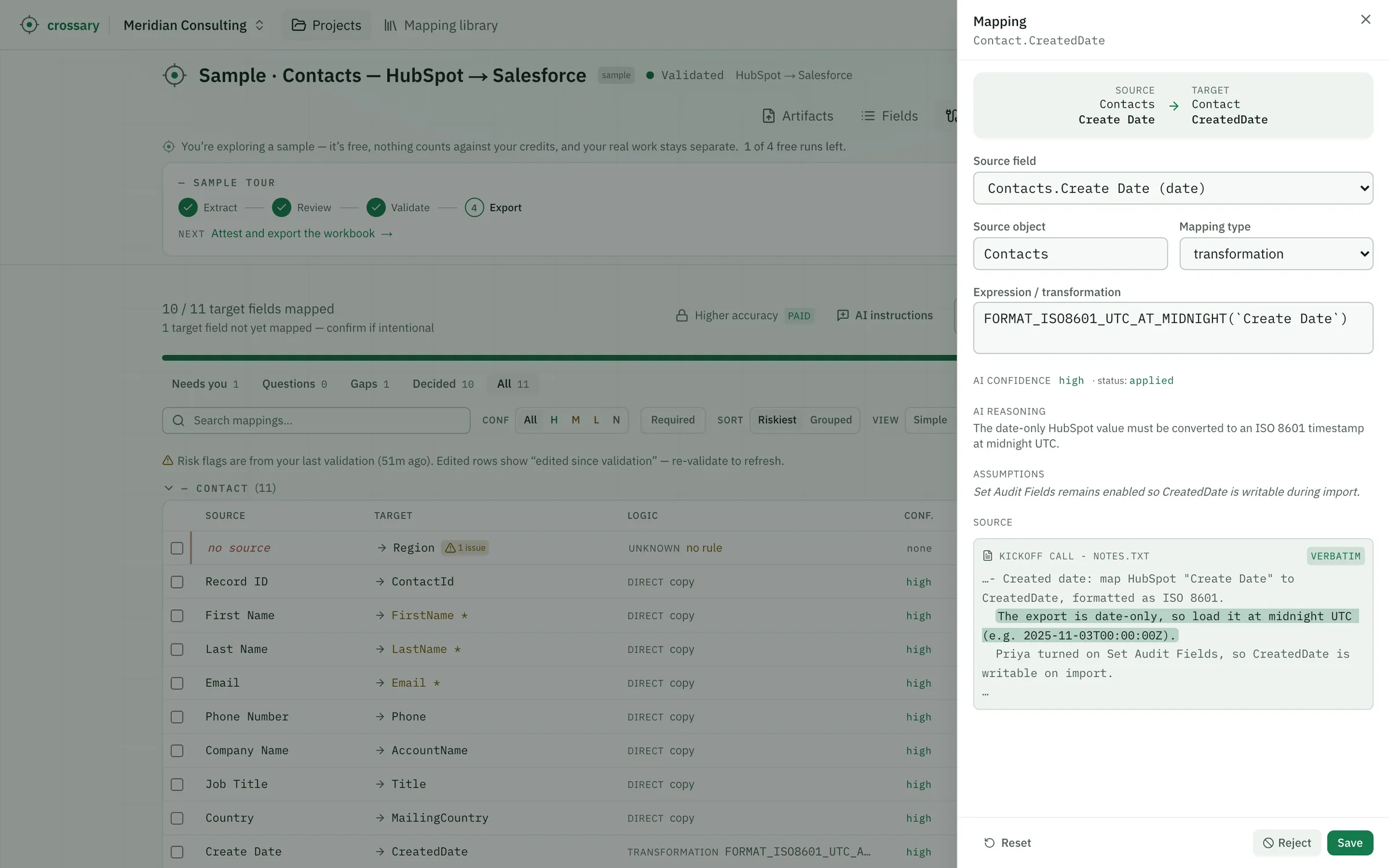
Editing rows by hand, re-validating, re-exporting, and round-trip re-import are always free. Asking the AI to have another go isn't: re-running extraction or mapping costs roughly what the first run did, and submitting answers to a flagged question re-runs that phase too, so it's charged the same way. Credits are metered on actual usage rather than per click, and you can see what each integration cost.
What does a “signed” workbook mean?
That a person attested to it. Before an export you confirm you reviewed the mappings, and that attestation — who, when, and what validation had passed — is stamped on the workbook's cover sheet. It's a record of human review, not a cryptographic signature, and the file opens normally in Excel, Google Sheets, or Numbers.
Is accuracy gated to higher plans?
Every plan gets the same core mapping quality. Higher Accuracy — an optional, heavier pass — is on paid plans; Mapping Memory is included on every plan.
What happens when I run out?
Existing work is never blocked — review, validate, export and re-import stay free. Unused credits roll over, you can buy more anytime, or upgrade. Only new AI runs pause.
How do I upgrade?
Click subscribe on the plan you want — secure checkout, and your plan activates immediately.
Does my data train your model?
No. Mapping Memory is scoped to your workspace and never crosses it; no shared model learns from your mappings.